 Seedream
Seedream Blog
AI Image & Video Creation Guides
Learn how to use leading AI image and video models, write stronger prompts, and build reliable creative workflows.
Change a Background with Seedream 5.0 Pro Without Losing the Subject
Use Seedream image-to-image prompts to replace backgrounds while checking product shape, labels, lighting, edges, and details that must stay unchanged.
Seedream 5.0 Pro Poster Prompts: Readable Text in Multiple Languages
Plan readable Seedream 5.0 Pro posters with exact-copy prompts, layout rules, multilingual checks, and a repair workflow for misspelled text.
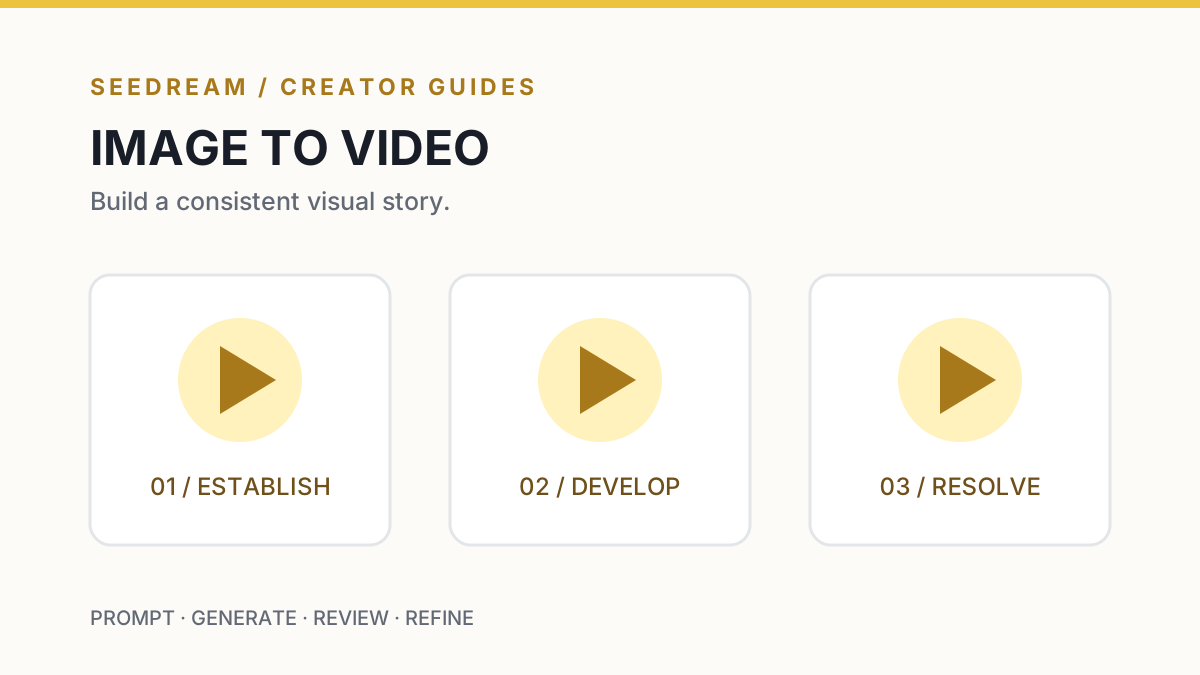
Seedream Storyboard Prompts: Turn Consistent Images into Video Shots
Plan a three-shot storyboard with Seedream references, continuity checks, and image-to-video motion prompts without confusing image and video models.
Seedream Prompt Guide: Turn a Creative Brief into a Controllable AI Image
A practical Seedream prompting workflow for composition, typography, lighting, references, revisions, and quality control—with reusable prompt templates.
Consistent Characters in AI Images: A Reference-First Production Workflow
Learn how to preserve character identity, wardrobe, proportions, and art direction across AI-generated scenes with a practical reference-first workflow.
AI Product Photography Workflow: From Reference Pack to Campaign-Ready Visuals
A practical AI product photography workflow covering reference preparation, shot planning, material accuracy, prompt templates, review, and disclosure.
AI Video Camera Movement Prompts: A Shot-by-Shot Director’s Guide
Write clearer AI video prompts with practical camera vocabulary, blocking rules, timing beats, troubleshooting patterns, and reusable shot templates.
First-and-Last-Frame AI Video: How to Design a Controlled Transition
A practical first-and-last-frame AI video workflow for compatible compositions, transition prompts, motion continuity, review, and troubleshooting.
AI Image and Video Quality Control: A Pre-Publish Checklist for Creators
Review AI-generated images and videos for factual accuracy, visual defects, rights, disclosure, accessibility, metadata, and delivery quality.
MiniMax H3 Guide: Create 2K Multimodal AI Videos with Native Audio
Learn what MiniMax H3 is, which inputs it supports, how to write better H3 prompts, and how to create 2K AI videos with native stereo audio in Seedream.
How to Choose an AI Image or Video Model: A Capability-First Workflow
Choose AI image and video models by input type, output constraints, controllability, iteration speed, audio, and delivery requirements—not hype.
Reduce AI Generation Cost Without Lowering Quality: An Iteration Guide
Control AI image and video generation cost with staged previews, single-variable tests, acceptance criteria, retry tracking, and final-render gates.