
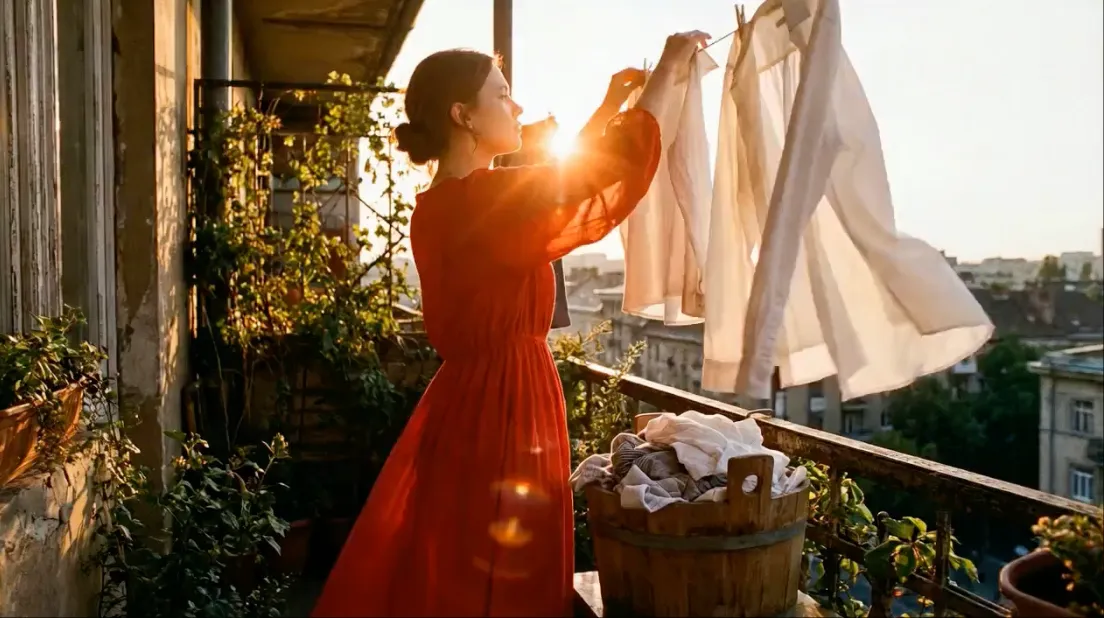
Seedream 5.0 Pro AI Image Generator & Reference-Based Editor
Character Consistency · Precise Text · Reference-Based Creative Control
Bring your ideas to life with AI images, reference-based edits, and cinematic video. Build product visuals, posters, and consistent characters in one creative workspace.

01Image & VideoOne creative workspace
02Free Starter Offer1 guest image · Sign in for 3 total images + 1 video
03Saved CreationsReturn to your tasks anytime
Create with Seedream 5.0 Pro
CREATOR SHOWCASE
Get Inspired
Explore visual examples that demonstrate multimodal creative workflows.
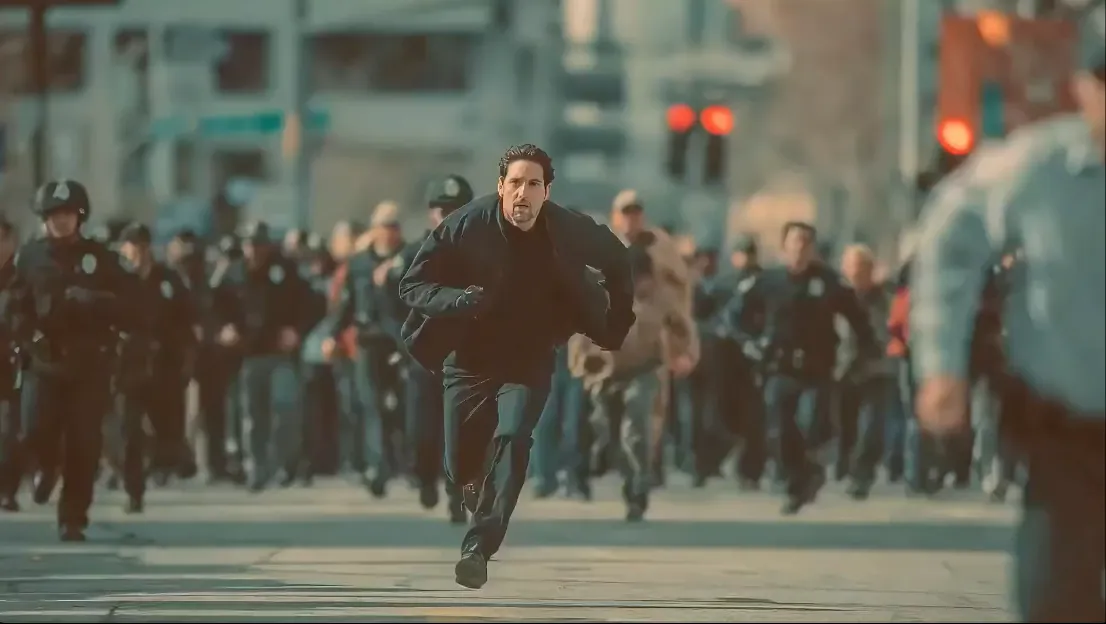
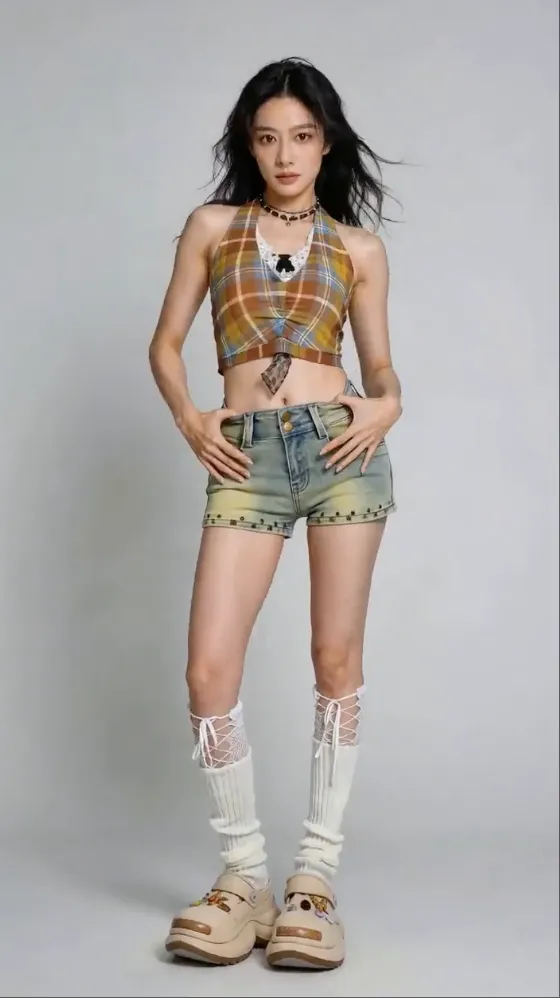
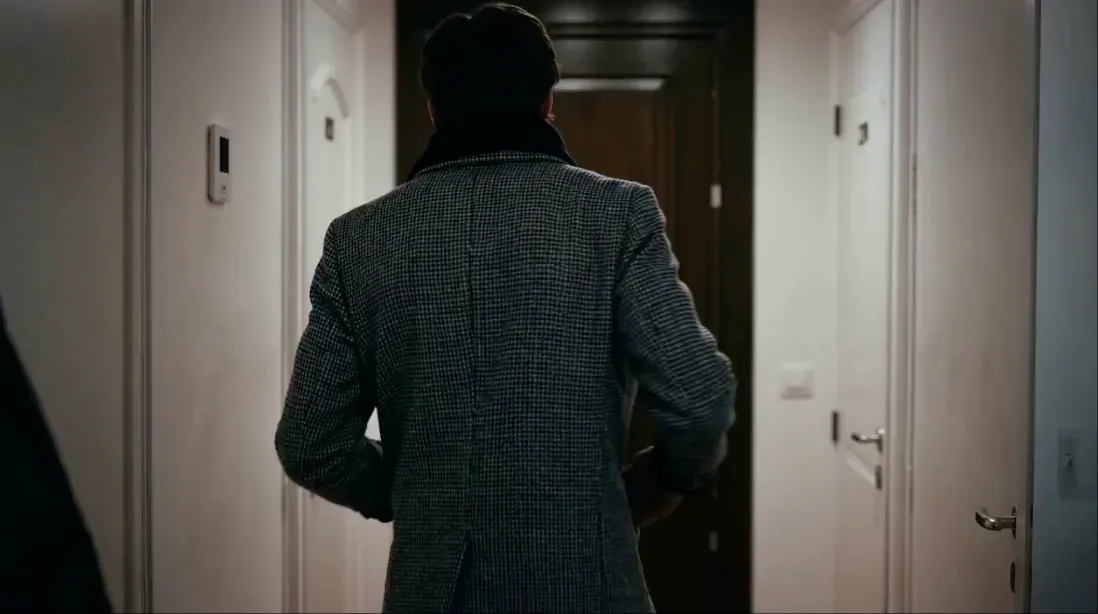
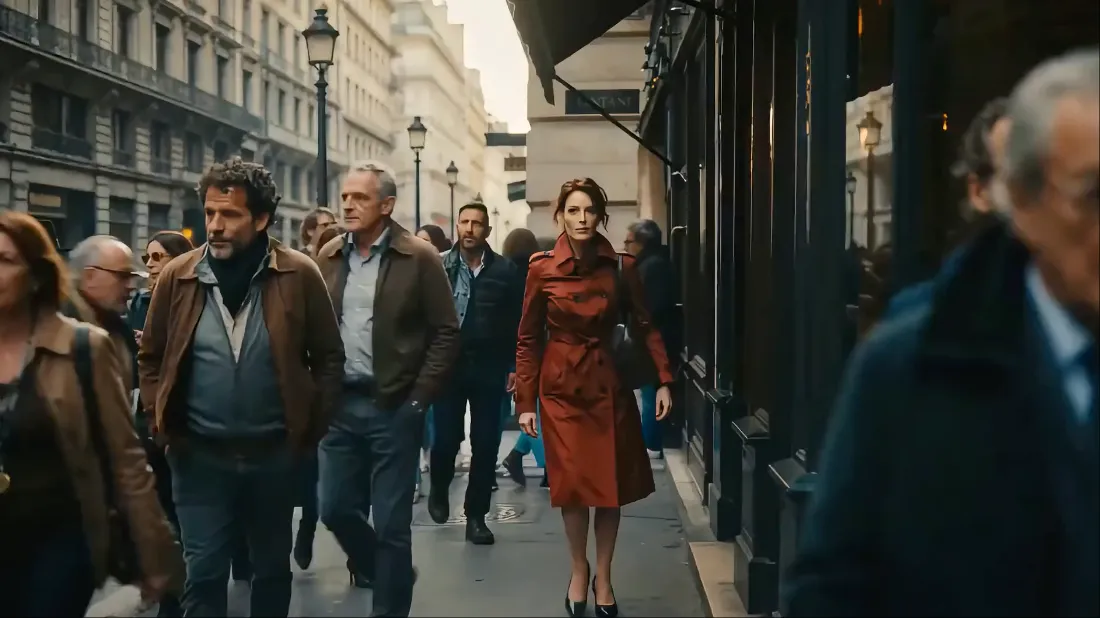
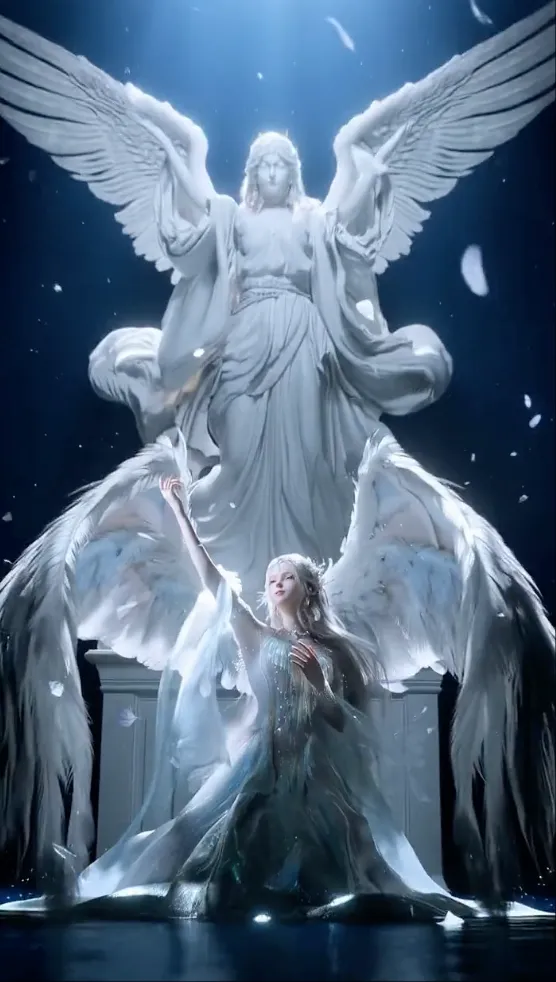
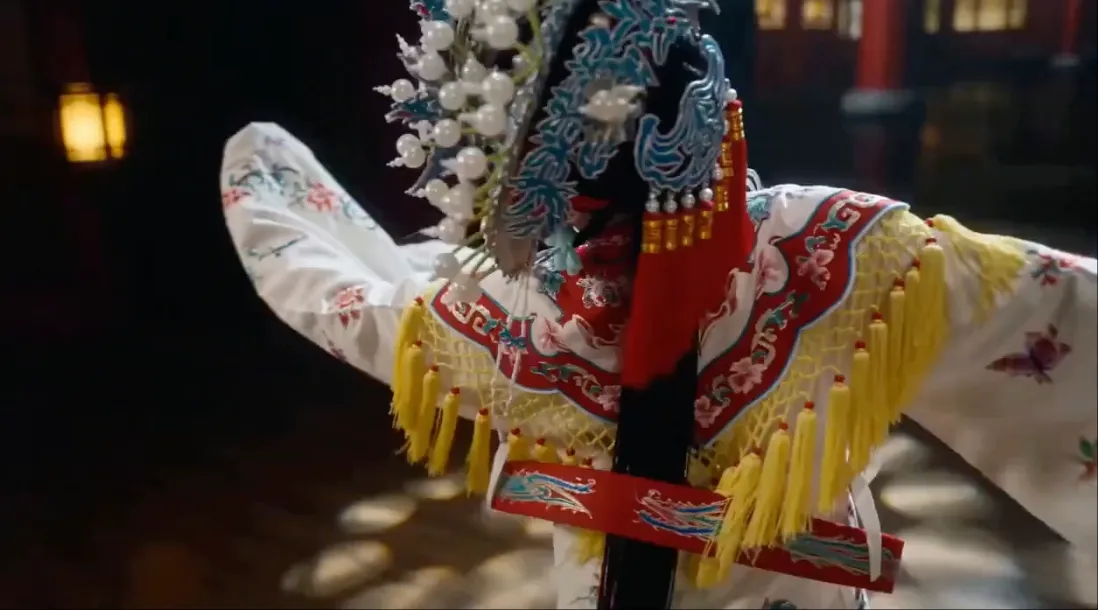
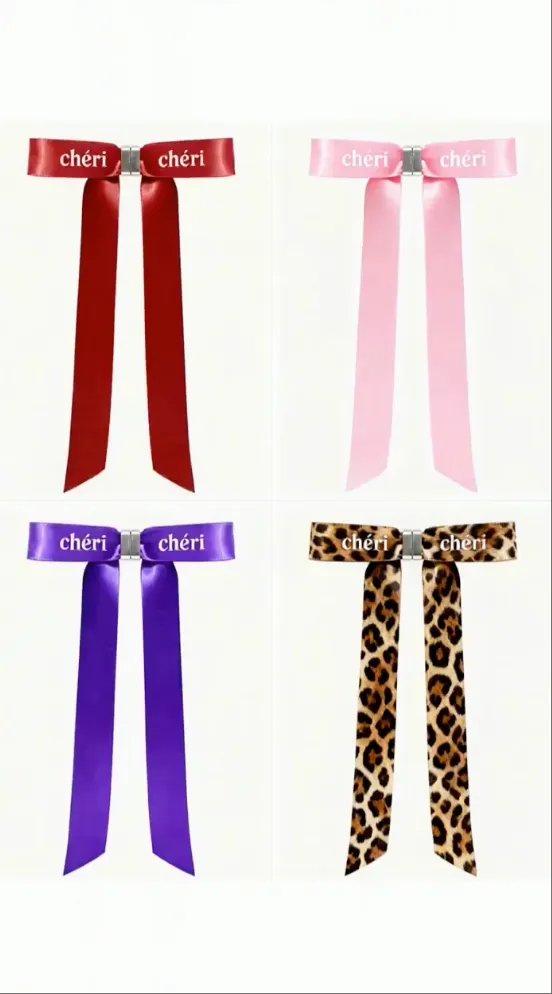
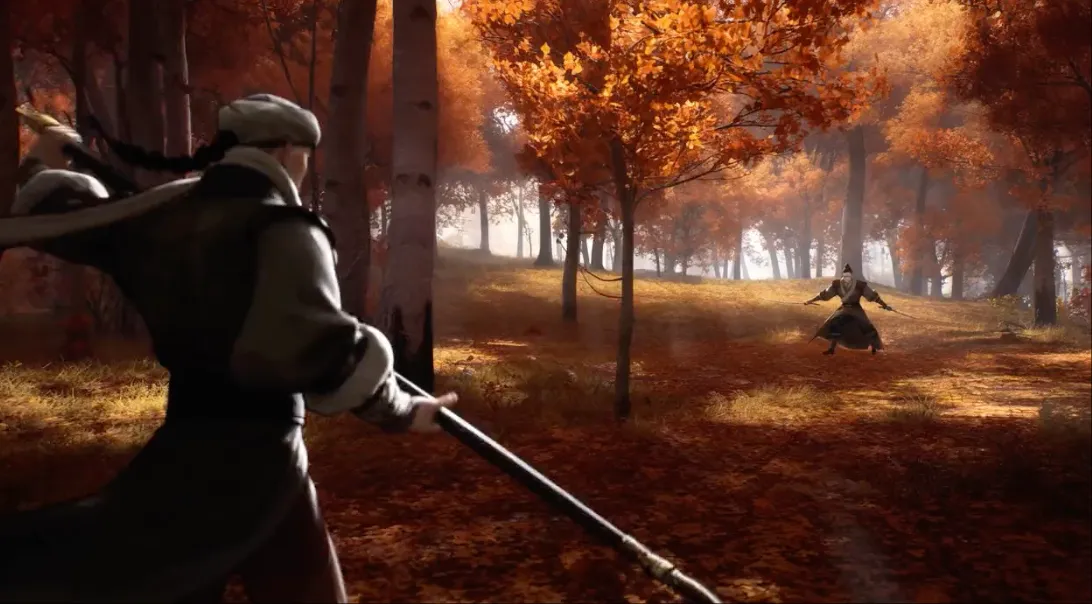

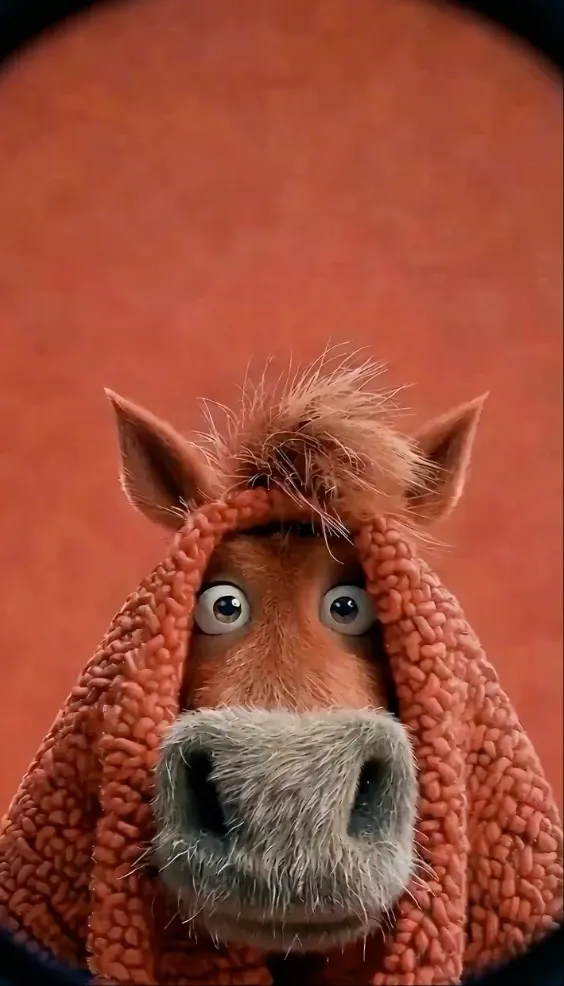


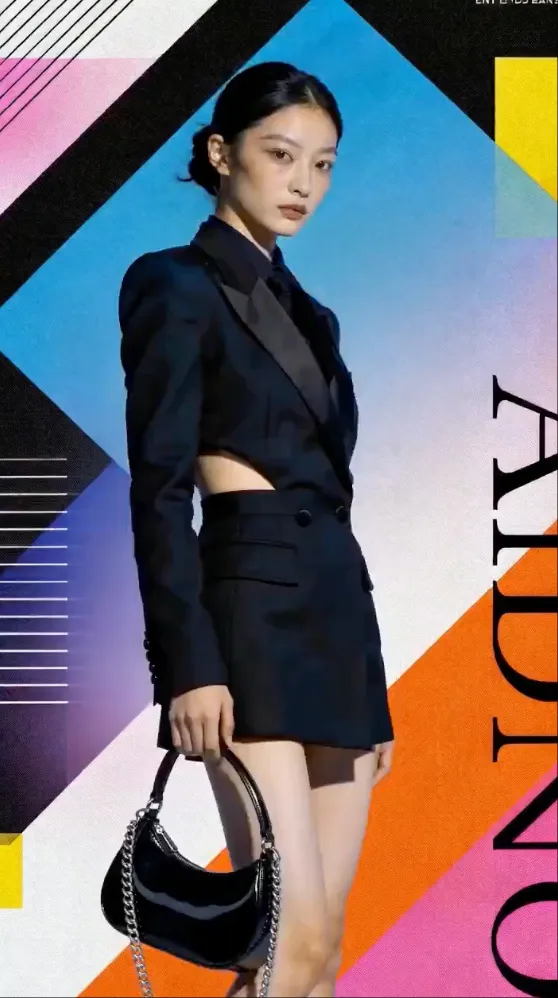
SEEDREAM 5.0 PRO WORKFLOWS
Create Images for Real Production Tasks
Start with the workflow that matches your deliverable. Each guide includes practical prompts, quality checks, and a direct path to the Seedream image generator.
Infographic GeneratorTurn dense information into clear visual layouts
Plan charts, timelines, labels, and visual hierarchy for explainers, reports, and educational graphics.
Explore workflow →Text in ImagesCreate posters and layouts with required copy
Structure exact headlines, labels, multilingual text, and typography direction—and proofread every result.
Explore workflow →AI Image EditorMake precise reference-based image edits
Describe what should change, what must stay untouched, and how new details should match the original scene.
Explore workflow →Multilingual VisualsAdapt creative assets for different languages
Generate localized visual directions while preserving layout, brand details, and the intended reading order.
Explore workflow →Product PhotographyBuild product visuals from one creative brief
Explore studio compositions, lifestyle settings, campaign variations, and reference-preserving edits.
Explore workflow →Character ConsistencyKeep important identity details more stable
Use clean references, reusable identity anchors, controlled iterations, and repeatable quality checks.
Explore workflow →MULTI-MODEL AI STUDIO
Leading AI Image and Video Models in One Workflow
Choose a model for the job: high-fidelity image generation, reference-based editing, cinematic motion, or synchronized audio.
Seedream 5.0 Pro
Seedream 5.0 Pro multimodal image generation for infographics, multilingual text, realistic visuals, and precise reference-based editing.
Explore Seedream 5.0 Pro →Seedream 4.5
Seedream 4.5 image generation and reference-based editing for consistent, production-ready visual assets.
Explore Seedream 4.5 →Seedream 4.0
Seedream 4.0 text-to-image and image-editing workflows with practical prompt guidance and version comparisons.
Explore Seedream 4.0 →Nano Banana Pro
Nano Banana Pro AI image generation for precise text, multi-image composition, and controlled edits.
Explore Nano Banana Pro →Seedance 2.5
Seedance 2.5 AI video generation with multimodal references, editing, extension, and 30-second output.
Explore Seedance 2.5 →MiniMax H3
MiniMax H3 AI video generation in 2K with multimodal references and native stereo audio.
Explore MiniMax H3 →Veo 3.1
Veo 3.1 AI video generation from text or images with audio support.
Explore Veo 3.1 →Sora 2
Sora 2 AI video generation with prompt-driven motion, visual realism, and synchronized sound.
Explore Sora 2 →Model availability and output options depend on the selected provider and generation mode.
POWERFUL BY DESIGN
Creative Video Capabilities in One Studio
Choose compatible models for multimodal references, controlled motion, editing, and generated audio.
Multi-Modal Input
Use up to 30 images, 10 videos, and 10 audio clips with Seedance 2.5. Combine text and media in one generation.
Reference Anything
Reference motion, effects, camera movements, characters, scenes, and sounds from any uploaded content using natural language.
Continuity Controls
Use stable references and explicit anchors to improve continuity for faces, clothing, scenes, and visual styles.
Precise Motion & Camera Replication
Upload a reference video to reproduce choreography, cinematic camera movements, and complex action sequences.
Video Extension & Editing
Extend videos, merge clips, replace characters, and edit specific segments while preserving everything else.
Built-in Audio Generation
Generate context-aware sound effects and background music or sync visuals perfectly to an uploaded audio track.
USE CASES
Endless Possibilities For Every Creator
From viral content to professional productions, bring every multi-modal vision to life.
Advertising & Marketing
Create polished, high-impact video content with reference-driven motion and consistent cinematic quality.
Product VideosBrand ContentCommercial Ads
Education & Training
Create polished, high-impact video content with reference-driven motion and consistent cinematic quality.
Course ContentTutorialsVisual Lessons
Creative Storytelling
Create polished, high-impact video content with reference-driven motion and consistent cinematic quality.
Short FilmsArt ProjectsMusic Videos
Social Media Content
Create polished, high-impact video content with reference-driven motion and consistent cinematic quality.
Instagram ReelsTikTok VideosYouTube Shorts
Motion & Dance Videos
Create polished, high-impact video content with reference-driven motion and consistent cinematic quality.
Dance CoversMotion CaptureChoreography
Video Editing & Extension
Create polished, high-impact video content with reference-driven motion and consistent cinematic quality.
Scene MergingContent EditingClip Connection
Film Pre-Visualization
Create polished, high-impact video content with reference-driven motion and consistent cinematic quality.
Shot PlanningConcept FramesCamera Tests
Real Estate & Architecture
Create polished, high-impact video content with reference-driven motion and consistent cinematic quality.
Property ToursInterior Concepts3D Walkthroughs
Music & Audio Sync
Create polished, high-impact video content with reference-driven motion and consistent cinematic quality.
Music VideosBeat SyncSound Design
SIMPLE WORKFLOW
From an Idea to a Finished Image or Video
Choose Your Model
Switch between image and video, then choose a model and workflow for your creative brief.
Describe Your Vision
Write a prompt or use a preset. Add reference media, choose your output settings, and review the credit cost.
Generate & Review
Start generation and follow progress. Your accepted tasks are saved so you can return later.
Download & Iterate
Preview results, download your files, or reuse a saved task’s prompt and settings for your next iteration.
ANNUAL PLAN OFFER
50% OFF
Save 50% per month compared with monthly billing. Annual credits are granted upfront and work across supported image and video models.
Save 50% with annual billing Cancel future renewals anytime
PLANS START AT$14.90/ month, billed annuallyClaim Annual Savings Discount is applied automatically.
PRICING
Choose the Plan That Works for You
All plans include access to core generation features and watermark-free exports.
Basic
$29.90/ month
800 credits/month
- AI Video Generation
- Multiple AI video models
- AI Image Generation
- Watermark-free generation
Standard
$49.90/ month
1,600 credits/month
- AI Video Generation
- Multiple AI video models
- AI Image Generation
- Watermark-free generation
Pro
$99.90/ month
4,000 credits/month
- AI Video Generation
- Multiple AI video models
- AI Image Generation
- Watermark-free generation
Max
$199.90/ month
10,000 credits/month
- AI Video Generation
- Multiple AI video models
- AI Image Generation
- Watermark-free generation
FAQ
Seedream Frequently Asked Questions
Straight answers about Seedream models, free generations, image editing, API keys, saved tasks, troubleshooting, and commercial use.
What is Seedream and what can I create with it?
Seedream is an independent AI creative platform for generating and editing images and creating videos with supported models. You can make product visuals, social content, infographics, character concepts, image edits, text-to-video clips, image-to-video animations, and reference-driven creative work.
Is this the official Seedream model website?
No. This Seedream website is an independent creative platform and is not the official website of ByteDance, BytePlus, Volcengine, WaveSpeed, Replicate, or another model provider. Model and provider names belong to their respective owners.
What is the latest Seedream image model?
Seedream 5.0 Pro is the newest flagship Seedream image model highlighted on this site. It is designed for multimodal reasoning, information-rich visuals, multilingual text, realistic image quality, and precise reference-based editing. Availability can vary by provider.
How do I use Seedream online?
Open the AI Image Generator, choose an available Seedream model, select text-to-image or image-to-image, add a focused prompt and any reference images, choose the output settings, and generate. You can leave the page and follow the saved task from My Creations.
Can I use Seedream for free?
Yes. Try one text-to-image generation without signing in. Register or sign in with a verified account to unlock three image generations in total, including the guest image, plus one video generation. Free images use the starter model at 1K; the free video is 4 seconds at 480p without audio. No credit card is required. One starter offer per person; browser, network and shared capacity limits apply.
Which Seedream version should I use: 5.0 Pro, 4.5, or 4.0?
Start with Seedream 5.0 Pro for advanced visual reasoning, dense layouts, multilingual text, and precise edits. Use Seedream 4.5 or 4.0 when a provider, price, latency, or existing workflow makes that version a better fit. Compare versions with the same prompt and references before choosing a production route.
Can Seedream edit an existing image?
Yes. Choose image-to-image mode, upload one or more reference images, describe the exact change, and state which subjects, layout, colors, text, or identity details must remain unchanged. Editing controls depend on the selected model and provider.
Where can I find my generated Seedream images and videos?
Open My Creations to find pending, completed, and failed account tasks. Your guest image remains in this browser’s History while its trial cookie is available. Sign in in the same browser to move that task into your account and keep following it later.
Where do I get a Seedream API key?
Sign in and open Settings, then API Keys, to manage a Seedream platform key for documented integrations. A Seedream platform key is not the same as a ByteDance, BytePlus, Volcengine, WaveSpeed, or Replicate provider credential. Keep every secret key on the server and never expose it in browser code.
Why did my Seedream generation fail?
Common causes include an unsupported input format, a prompt or reference blocked by content-safety checks, insufficient credits or free uses, provider capacity, a temporary upstream error, or settings that the selected model does not support. Check the task status, simplify the request, and retry only after confirming the displayed limits.
Can I use Seedream images for commercial projects?
Commercial use depends on your plan, the selected provider terms, the rights to your prompts and reference materials, and applicable law. Review the current terms, avoid protected or misleading content, and perform a human quality and rights review before publishing or selling an asset.
START CREATING TODAY
Ready to Create with Seedream 5.0 Pro?
Generate professional images, make controlled edits, or continue into cinematic video from one creative workspace.
Create AI Images 1 guest image · 3 total after sign-in Reference-based editing Saved creation tasks